Billing Reports
Praxi provides comprehensive financial reporting to help you understand your practice's billing performance.
Praxi does not track depreciable assets. The tax-return preparation report includes a depreciation schedule that is intentionally empty, with a note that your accountant's fixed-asset register is authoritative. Any D4 figure in the ATO-category breakdown is expense-category mapping only — not a per-asset schedule. Building an in-product asset register is not on the current product surface.
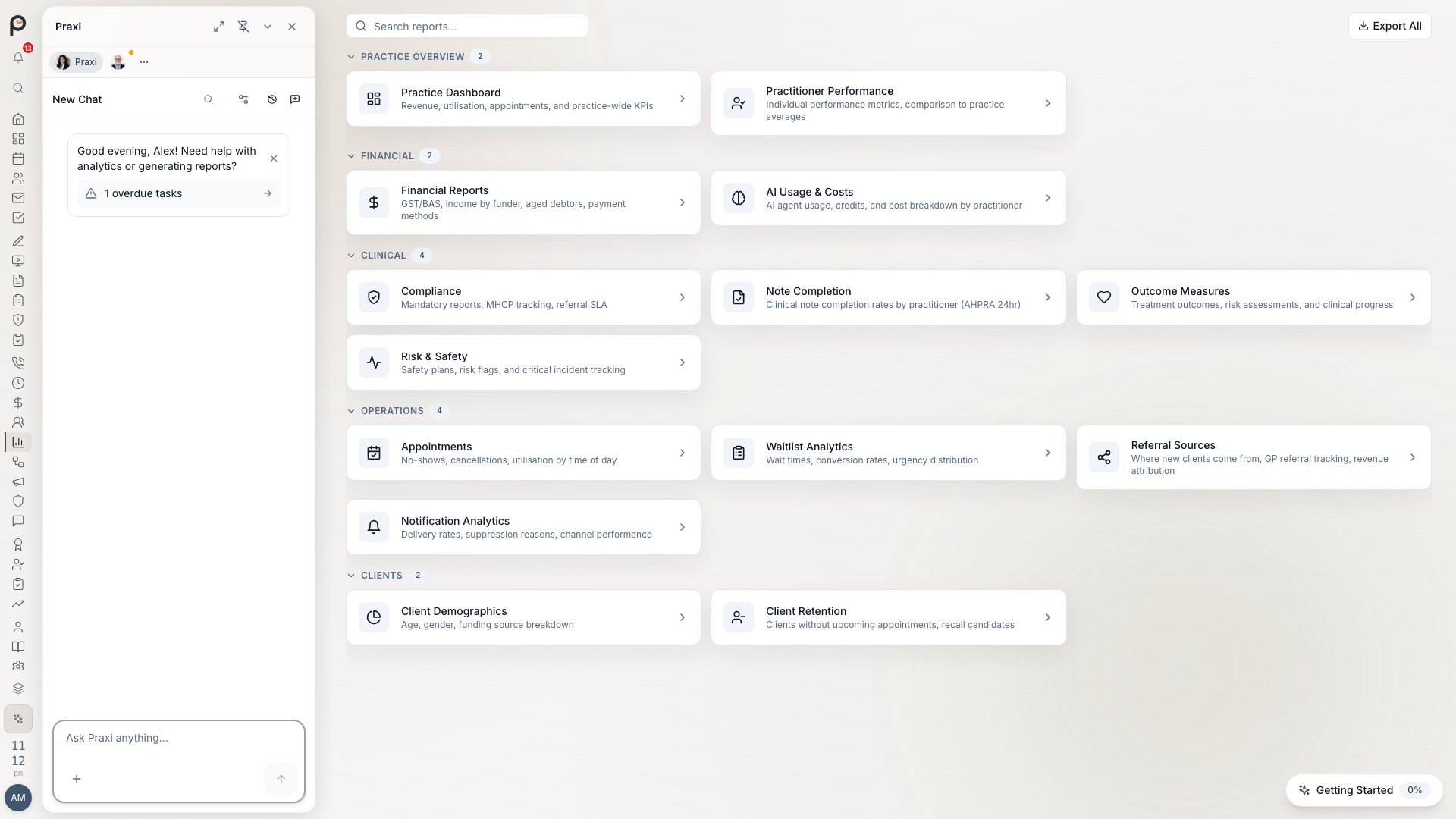
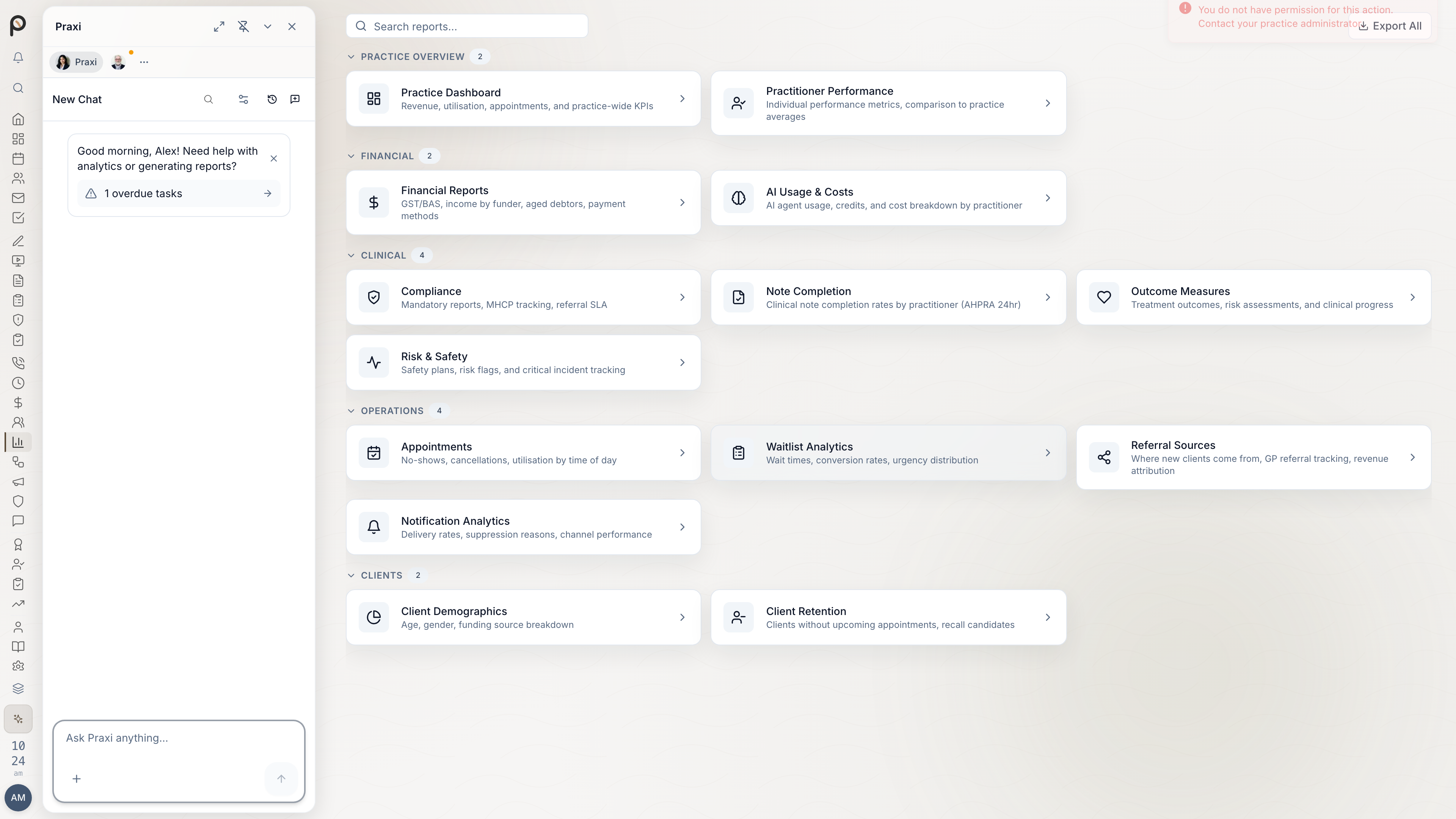
Report Categories
| Category | Reports |
|---|---|
| Revenue | Income summary, by practitioner, by service |
| Outstanding | Aged receivables, overdue invoices |
| Claims | Medicare, DVA, NDIS status |
| Collections | Payment analysis, write-offs |
| Tax | GST, BAS preparation |
Accessing Reports
- Go to Reports → Financial
- Select report category
- Set parameters (date range, filters)
- Generate report
- Export or print
Revenue Reports
Income Summary
Overall revenue for a period:
| Metric | Description |
|---|---|
| Gross Revenue | Total invoiced amount |
| Net Revenue | After discounts and adjustments |
| Collected | Cash received |
| Outstanding | Yet to be collected |
Filters: Date range, funding source, practitioner
Revenue by Practitioner
Compare practitioner billings:
- Total invoiced per practitioner
- Sessions delivered
- Average revenue per session
- Collection rate
Revenue by Service
Break down by service type:
- Service code
- Quantity delivered
- Revenue generated
- Average price
Revenue Trends
View revenue over time with configurable granularity:
- Daily, weekly, or monthly data points
- Total, average, and peak revenue statistics
- Visual charts for trend analysis
Access at Billing → Analytics.
Revenue by Funding Source
Analyse payer mix:
| Funding Source | Revenue | % of Total |
|---|---|---|
| Medicare | $45,000 | 45% |
| NDIS | $25,000 | 25% |
| Private | $15,000 | 15% |
| DVA | $10,000 | 10% |
| WorkCover | $5,000 | 5% |
Outstanding Reports
Aged Receivables
Critical for cash flow management:
| Age Bucket | Description |
|---|---|
| 0-30 days | Current or recently overdue |
| 31-60 days | Moderately overdue |
| 61-90 days | Significantly overdue |
| 90+ days | At risk |
Actions from report:
- Send bulk reminders
- Create payment plans
- Flag for follow-up
Overdue by Client
See clients with outstanding balances:
- Client name
- Total outstanding
- Oldest invoice
- Days overdue
- Contact information
Overdue by Funding Source
Identify slow payers:
| Funding Source | Outstanding | Avg Days to Pay |
|---|---|---|
| Plan Manager A | $8,500 | 45 days |
| Plan Manager B | $3,200 | 28 days |
| Private | $12,000 | 35 days |
Claims Reports
Claims reports live under Billing (at Billing → Claims and Billing → Medicare Reports) rather than the financial reports page.
Medicare Claiming Summary
Track Medicare claiming performance:
| Metric | Value |
|---|---|
| Claims submitted | 156 |
| Claims accepted | 148 |
| Claims rejected | 8 |
| Success rate | 94.9% |
| Revenue claimed | $42,500 |
Rejected Claims Analysis
Understand rejection reasons:
| Reason | Count | Resolution |
|---|---|---|
| Invalid Medicare number | 4 | Update client details |
| Session limit exceeded | 2 | Change funding source |
| Expired referral | 2 | New GP referral |
NDIS Claiming Summary
Track NDIS invoicing:
- Invoices submitted
- Payments received
- Outstanding amounts
- Average payment time by plan manager
DVA Claims Status
Monitor DVA submissions:
- Claims pending
- Claims paid
- Rejections
- Average processing time
Collections Reports
Payment Method Breakdown
Understand payment patterns with totals and percentages grouped by method (card, cash, EFT, direct debit):
| Payment Method | Amount | Count |
|---|---|---|
| Card (online) | $35,000 | 180 |
| EFTPOS | $12,000 | 65 |
| Bank transfer | $8,000 | 42 |
| Cash | $2,000 | 25 |
| Medicare direct | $45,000 | 156 |
Gateway Performance
Monitor your payment gateway health:
- Success rate -- Percentage of transactions processed successfully
- Average processing time -- How long transactions take
- Failed payment count -- Number of declined or errored transactions
- Refund rate -- Proportion of payments refunded
- Failure reasons -- Breakdown of why payments fail (insufficient funds, expired card, etc.)
Access at Billing → Analytics.
Collection Rate
Track how well you collect:
Collection Rate = Payments Received / Invoices Issued × 100
Target: 95%+ for healthcare practices
Write-Off Report
Monitor uncollectable amounts:
| Period | Write-Offs | % of Revenue |
|---|---|---|
| Jan | $500 | 0.5% |
| Feb | $300 | 0.3% |
| Mar | $450 | 0.4% |
Industry benchmark: <1% write-off rate
Period Comparison
Compare billing metrics between two periods (e.g., this month vs last month, this quarter vs last quarter):
- Revenue, invoice count, and collection rate for each period
- Percentage change between periods
- Helps identify trends and seasonal patterns
Access at Billing → Analytics.
Tax Reports
GST Report
For BAS preparation, Praxi generates a comprehensive GST summary covering total sales, GST-free sales (the bulk of healthcare revenue), capital and non-capital purchases, GST on sales, and GST on purchases. On the ATO BAS form these map to the standard labels (G1, G3 for other GST-free sales including healthcare, G10/G11, 1A, 1B) -- confirm the mapping with your accountant when lodging.
BAS Report
Access the BAS report at Billing → Tax Reports. The report shows the standard BAS labels (G1–G11, 1A, 1B) calculated from your practice billing data for the selected period:
- Monthly (if turnover >$20M or opted in)
- Quarterly (standard)
Provide the BAS report figures to your accountant or use them as a reference for manual lodgement via the ATO Business Portal.
Tax Invoice Summary
List of all tax invoices issued:
| Field | Description |
|---|---|
| Invoice number | Sequential reference |
| Date | Issue date |
| Client/payer | Recipient name |
| GST-free amount | Healthcare services |
| Taxable amount | Products, reports |
| GST | 10% of taxable |
| Total | Final invoice amount |
Tax Year Summary
View a financial year summary at Billing → Tax Reports → Tax Year. Select the financial year (e.g., 2025 for FY2024–25) to see:
- GST collected, claimable, and net payable
- Income breakdown by funding source (Medicare, NDIS, private, etc.)
- GST quarterly breakdown with lodgement status
Export the tax year summary as CSV or PDF from the Tax Reports screen to hand to your accountant.
Contractor Payments (TPAR)
If your practice engages contractors, you may need to lodge a Taxable Payments Annual Report (TPAR) with the ATO by 28 August each year. Healthcare practices must report payments to contractors providing psychological services, including locum practitioners and contracted psychologists. Prepare contractor payment data from Billing → Tax Reports and export to CSV for ATO lodgement.
Billing Widgets on Home
For quick figures, add billing widgets to your Home desktop. Right-click the desktop, or choose Customise Home from a widget's menu, then pick from the library. Billing widgets appear only if your role includes billing access.
- Monthly Revenue and Revenue Trend show revenue over time.
- Aged Invoices shows outstanding and overdue invoices.
- Unclaimed Invoices lists invoices still waiting on a Medicare, DVA, NDIS or health fund claim.
- Health Claims tracks Medicare, DVA and private health claims.
Widgets are a summary. Use the reports on this page for exact totals, chosen date ranges and exports.
Scheduling Reports
Automatic Report Delivery
Set up regular reports:
- Go to Settings → Reporting → Scheduled reports
- Click Create Schedule
- Configure:
- Report type
- Frequency (daily, weekly, monthly)
- Recipients
- Format (PDF, CSV)
- Save
Common Schedules
| Report | Frequency | Recipient |
|---|---|---|
| Aged receivables | Weekly | Owner, Accountant |
| Revenue summary | Monthly | Owner |
| Medicare claims | Daily | Billing staff |
| Outstanding by client | Weekly | Reception |
Exporting Reports
Export Formats
| Format | Use Case |
|---|---|
| Printing, archiving | |
| CSV | Spreadsheet analysis |
| Excel | Detailed manipulation |
| Xero | Direct accounting import |
| MYOB | MYOB import |
Bulk Export
Export multiple reports:
- Select reports
- Choose format
- Download as ZIP
Custom Exports
Use the export controls on any report page to customise the data you download. Select date range, funding source, and practitioner filters, then export as PDF, CSV, or Excel for further analysis in a spreadsheet or accounting package.
Performance Benchmarks
Compare against Australian healthcare industry averages:
| Metric | Target | Industry Average | Action if Below |
|---|---|---|---|
| Collection rate | 97%+ | 94% | Review reminder process |
| Days to payment (private) | Under 21 | 35 | Offer payment at appointment |
| Days to payment (Medicare) | Under 7 | 10 | Submit claims same day |
| Days to payment (NDIS) | Under 45 | 60 | Follow up with plan managers |
| Write-off rate | Under 0.5% | 0.8% | Tighten credit policy |
| Medicare rejection rate | Under 3% | 7% | Verify eligibility before claiming |
| Invoice dispute rate | Under 1% | 2% | Improve service descriptions |
Practitioner Productivity Benchmarks
| Metric | Solo Practice | Group Practice |
|---|---|---|
| Billable hours/week | 25-30 | 22-28 |
| Average fee | $180-250 | $180-250 |
| Revenue/session | $200-280 | $200-280 |
| DNA rate | Under 5% | Under 8% |
Seasonal Patterns
Be aware of typical Australian healthcare billing patterns:
| Period | Impact | Action |
|---|---|---|
| January | Low volume (holidays) | Focus on collections |
| March | Medicare session renewals | Verify new referrals |
| June | EOFY rush, NDIS plan reviews | Extra claiming capacity |
| September | Spring surge | Book in advance |
| December | Wind down, reconciliation | Clear aged receivables |
Tips
- Review aged receivables weekly - Catch issues before they become bad debts
- Monitor rejection rates - High rates indicate data quality issues needing attention
- Track by funding source - Identify slow payers and adjust terms accordingly
- Compare periods - Spot trends, seasonality, and anomalies early
- Schedule key reports - Automated weekly emails keep stakeholders informed
- Benchmark regularly - Compare against industry averages quarterly
- Act on insights - Reports are only valuable if they drive action
Accounting Software Integration
Xero Reports
When connected to Xero, invoice and payment data is pushed from Praxi to Xero (one-way sync), enabling these Xero reports:
| Praxi Report | Xero Report |
|---|---|
| Revenue Summary | Profit and Loss |
| Aged Receivables | Aged Receivables |
| Payment Analysis | Bank Reconciliation |
| Tax Summary | GST Report |
the accounting service is temporarily unavailable, data is queued and synced when the connection is restored. :::
MYOB Reports
MYOB integration provides:
- Invoice export to MYOB (one-way push)
- Payment matching data
- Contact synchronisation
- GST code mapping
See Xero Setup and MYOB Setup for integration details.