Care Plans
Create structured treatment plans and safety documentation to guide client care.
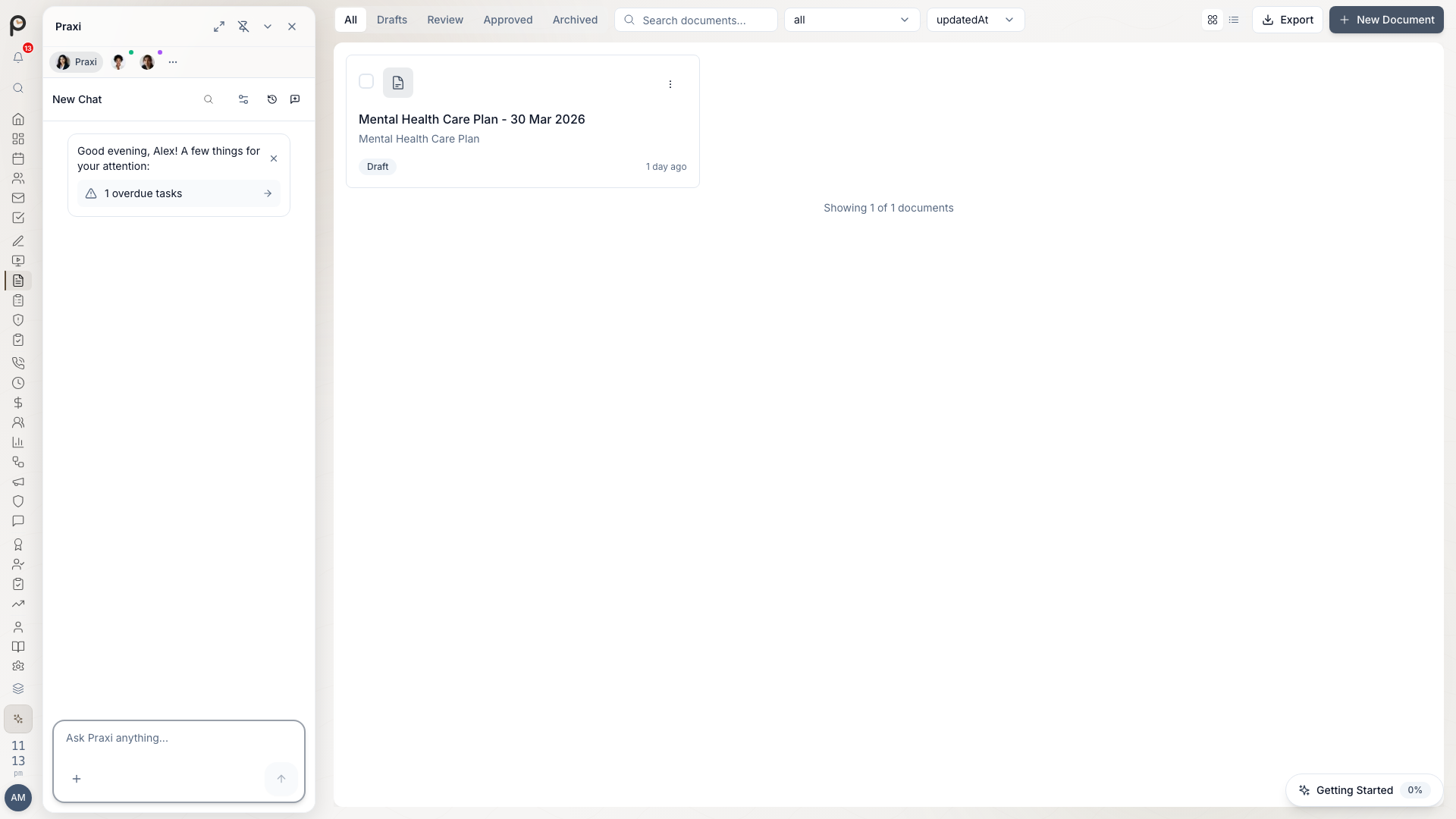
Overview
Praxi supports various care planning documents:
| Plan Type | Purpose | Use Case |
|---|---|---|
| Treatment plan | Goals and interventions | All clients |
| Safety plan | Crisis management | Risk-flagged clients |
| Care coordination | Multi-provider care | Complex cases |
| Discharge plan | End of care planning | Treatment conclusion |
| NDIS plan | Funding-aligned goals | NDIS participants |
Treatment Plans
Creating a Treatment Plan
- Open the client record
- Open the More menu (⋯) and choose Treatment Plan (also available via the Treatment & Progress area on the client)
- Click Create / Start treatment plan
- Choose a treatment plan template or start from scratch
- Enter a title and description
- Optionally set a review date
- Complete sections and goals
- Review with the client
- Save and activate
Treatment Plan Fields
| Field | Content |
|---|---|
| Title | Name of the treatment plan |
| Description | Overview of the presenting concerns |
| Template | Therapeutic modality (e.g. CBT, DBT, ACT) |
| Review date | When to evaluate progress |
| Linked diagnoses | ICD/DSM codes linked to the plan |
| Linked risk assessments | Risk assessments connected to this plan |
| Goals | What client wants to achieve (SMART framework) |
Setting Goals
Use SMART goals:
| Element | Description | Example |
|---|---|---|
| Specific | Clear, defined | "Reduce panic attacks" |
| Measurable | Quantifiable | "From 5/week to 1/week" |
| Achievable | Realistic | Based on assessment |
| Relevant | Client-driven | Aligned with values |
| Time-bound | Has deadline | "Within 12 weeks" |
Treatment Plan Templates
Praxi includes evidence-based templates organised by therapeutic modality and presentation. You can use system templates as-is, or fork them to create a customised version for your practice.
| Category | Examples |
|---|---|
| CBT | Cognitive restructuring, behavioural experiments |
| DBT | Distress tolerance, emotion regulation |
| ACT | Values-based action, defusion |
| Schema Therapy | Schema identification, mode work |
| EMDR | Trauma processing, desensitisation |
| Exposure Therapy / ERP | Graduated exposure, response prevention |
| Behavioural Activation | Activity scheduling, mood monitoring |
| Motivational Interviewing | Change readiness, ambivalence resolution |
| Depression / Anxiety / Grief | Presentation-specific goal sets |
| Forensic | Alcohol programmes, offender rehabilitation |
Templates include default goals, recommended interventions, suggested outcome measures, and an evidence grade with summary.
To customise a system template without affecting the original, click Fork Template. This creates a copy owned by your organisation that you can modify freely.
Goal Measurement Types
Praxi supports two ways to measure goal progress:
| Type | How it works |
|---|---|
| Percentage | Track progress from 0-100% toward goal completion |
| Goal Attainment Scaling (GAS) | Define five outcome levels from -2 (much less than expected) to +2 (much more than expected) |
GAS is particularly useful for NDIS-funded clients as it aligns with NDIA reporting requirements. When creating a goal with GAS, you define what each attainment level looks like for this specific client and goal.
Tracking Progress
For each goal:
- Set baseline measure
- Record progress at sessions (percentage or GAS level)
- Track via linked outcome measures
- Update goal status
- Mark as complete when achieved (sets to 100%)
Plan Actions
| Action | What it does |
|---|---|
| Archive | Marks the plan as completed and moves it to history |
| Duplicate | Creates a copy of the plan with all active goals (without progress history) |
| Delete | Soft-deletes by marking as discontinued (retained for compliance) |
| Status | Meaning |
|---|---|
| Active | Currently working on |
| Achieved | Goal met (100% progress) |
| Modified | Changed based on progress |
| Discontinued | No longer relevant |
Safety Plans
When to Create
Safety plans are essential for:
- Suicidal ideation
- Self-harm behaviours
- High-risk presentations
- Crisis-prone clients
Safety Plan Components
| Section | Purpose |
|---|---|
| Warning signs | How client recognises crisis |
| Coping strategies | Self-management techniques |
| Social supports | People who can help |
| Professional contacts | Services to call |
| Emergency contacts | Crisis numbers |
| Environment safety | Means restriction |
Creating a Safety Plan
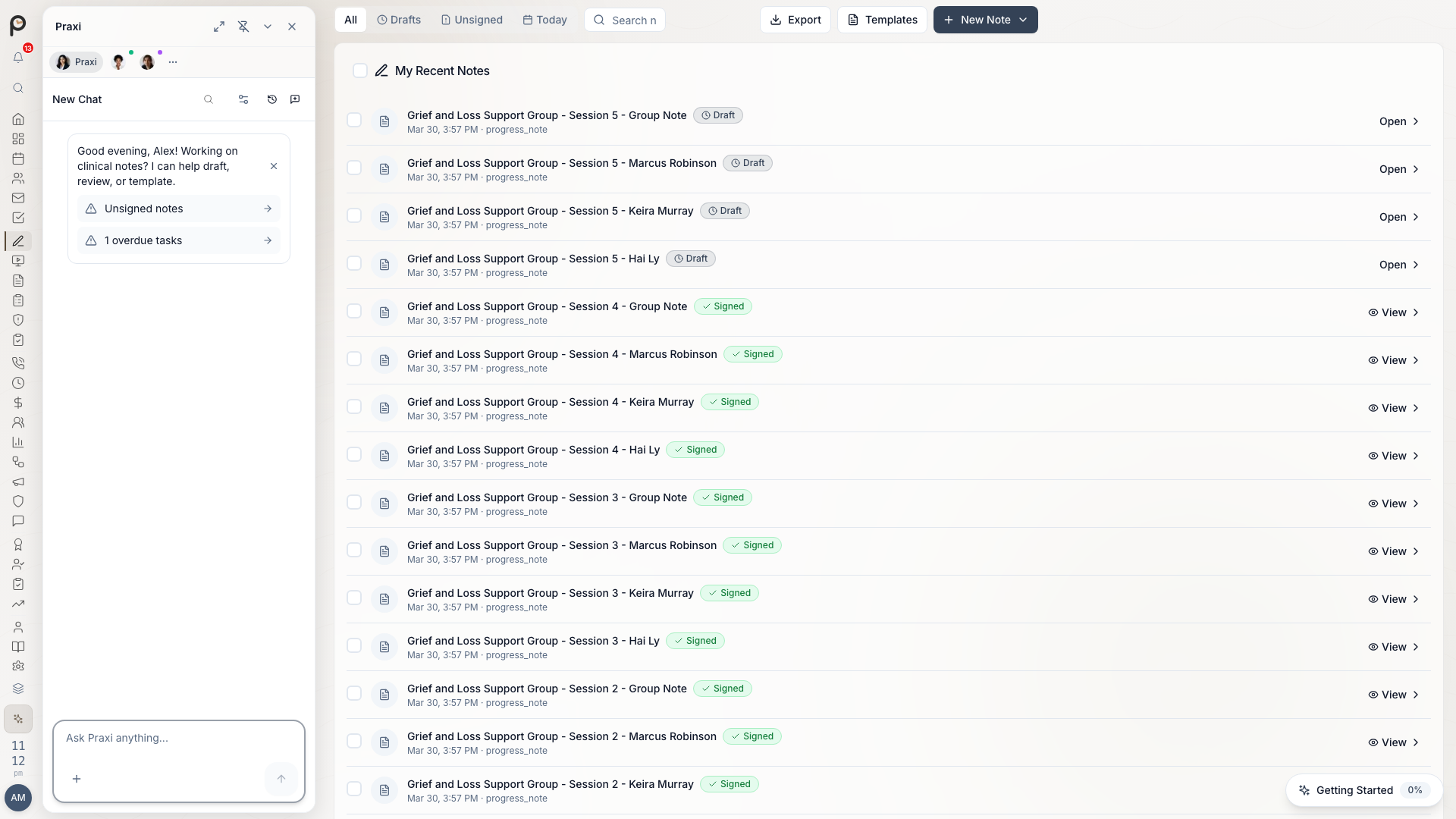
- Go to the client's Notes tab
- Work through each section with client
- Document specific, personal details
- Review and edit together
- Client saves a copy
Safety Plan Best Practices
| Do | Don't |
|---|---|
| Collaborate with client | Create without client input |
| Use client's own words | Use clinical jargon |
| Be specific and personal | Be generic |
| Include multiple options | Rely on single strategy |
| Review regularly | Set and forget |
Sharing Safety Plans
| Option | How |
|---|---|
| Physical copy for client | |
| Send to client's email | |
| App | Available in client portal |
Care Coordination Plans
Multi-Provider Care
For clients seeing multiple providers:
- Document all providers involved
- Clarify each provider's role
- Establish communication protocols
- Set review schedules
Coordination Plan Sections
| Section | Content |
|---|---|
| Care team | All providers and roles |
| Primary contact | Lead coordinator |
| Goals | Shared treatment goals |
| Communication | How team communicates |
| Consent | What's shared with whom |
Team Communication
| Method | When to Use |
|---|---|
| Case conference | Complex decisions |
| Secure message | Routine updates |
| Phone | Urgent matters |
| Letter | Formal documentation |
NDIS Plans
NDIS Goal Alignment
For NDIS participants:
- Review NDIS plan goals
- Map therapy goals to funding
- Document capacity building
- Track progress for reviews
NDIS Goal Categories
Praxi maps treatment goals to the eight NDIA Outcomes Framework categories:
| Category | Focus |
|---|---|
| Daily Activities | Independence, routines |
| Relationships | Personal and social relationships |
| Health & Wellbeing | Physical and mental health |
| Lifelong Learning | Education, training, skill development |
| Work | Employment readiness and skills |
| Social & Community Participation | Community engagement |
| Choice & Control | Self-management and decision-making |
| Home | Living arrangements and independence |
NDIS Goal Templates
Praxi includes pre-built NDIS goal templates with SMART criteria and Goal Attainment Scaling (GAS) levels pre-populated. Select a template to create a goal that is already aligned to NDIA reporting requirements. Templates can be filtered by outcome category.
NDIS Reporting
Generate reports for:
- Plan reviews
- Support coordinator updates
- LAC meetings
Discharge Planning
When to Plan
Begin discharge planning when:
- Treatment goals achieved
- Referral sessions exhausted
- Client request
- No further progress expected
Discharge Plan Content
| Section | Content |
|---|---|
| Summary | What was achieved |
| Recommendations | Ongoing self-care |
| Resources | Support services |
| Re-engagement | When to return |
| GP letter | Communication to referrer |
Discharge Checklist
- Goals reviewed and documented
- Relapse prevention discussed
- Resources provided
- Safety plan updated (if applicable)
- GP letter sent
- Follow-up scheduled (if needed)
Plan Reviews
Treatment Plan Statuses
| Status | Meaning |
|---|---|
| Active | Currently in use |
| Completed | All goals achieved, plan archived |
| On hold | Temporarily paused |
| Discontinued | No longer in use (soft-deleted) |
Review Schedule
| Plan Type | Review Frequency |
|---|---|
| Treatment plan | Every 4-6 sessions |
| Safety plan | Every session if high risk |
| Care coordination | Monthly |
| NDIS plan | Aligned with NDIS review |
Review Process
- Open active plan
- Review each section with client
- Update progress on goals
- Modify as needed
- Document review in notes
- Schedule next review
Templates
Using Templates
- Go to the Notes tab on the client record
- Browse by category or search by name
- Preview template details (goals, interventions, outcome measures)
- Click Use Template to apply it to a new treatment plan
- Customise goals and interventions for the client
Creating Templates
- Go to Settings → Templates
- Click Create Template
- Name and categorise (choose from the available modality categories)
- Add default goals, interventions, and outcome measures
- Optionally add an evidence grade and summary
- Save -- templates are scoped to your organisation
System templates are provided by Praxi and cannot be modified or deleted. To customise one, use Fork Template to create an editable organisation copy. Organisation templates can be updated or removed by any practitioner with the appropriate permissions.
Client Access
Sharing Plans with Clients
| Setting | Effect |
|---|---|
| Full access | Client can view all sections |
| Limited access | Client sees summary only |
| Collaborative | Client can add comments |
| No access | Clinician view only |
Client Portal
If client portal enabled:
- Client logs in
- Views their care plans
- Adds notes or feedback
- Tracks their own progress
Printing and Exporting
Print Options
| Format | Use |
|---|---|
| Full plan | Complete documentation |
| Summary | Key points only |
| Wallet card | Safety plan summary |
| Progress report | For funders |
Export Formats
- PDF (for sharing)
- Word (for editing)
- Clinical format (structured)
Best Practices
Planning
- Collaborate - Plans should be joint effort
- Client language - Use words client understands
- Review regularly - Plans evolve with treatment
- Be specific - Vague plans aren't helpful
- Document - Record plan discussions in notes
Safety Planning
- Prioritise - Create early when risk identified
- Personalise - Generic plans don't work
- Rehearse - Practice using the plan
- Update - Review after any crisis
- Share - Client needs their own copy
Troubleshooting
Plan Not Saving
- Check all required fields complete
- Verify internet connection
- Try shorter content
- Save as draft first
Cannot Share with Client
- Check client portal enabled
- Verify sharing permissions
- Confirm client has account
- Check consent for sharing
Template Issues
- Verify template exists
- Check permission to access
- Try creating new from scratch
Who can use care plans
Practitioners (and interns, under supervision) can view, create, and edit care plans and templates for their own clients. Clinical supervisors and practice owners have practice-wide access to care plans across the practice. Clinical governance has read-only oversight of care plans across the practice.
System templates cannot be edited or deleted. Only organisation templates can be modified.