Activity Feed
The Activity Feed is your practice's real-time stream of events. It shows appointments, billing updates, clinical notes, tasks, messages, AI suggestions, and more -- all in one scrollable timeline.
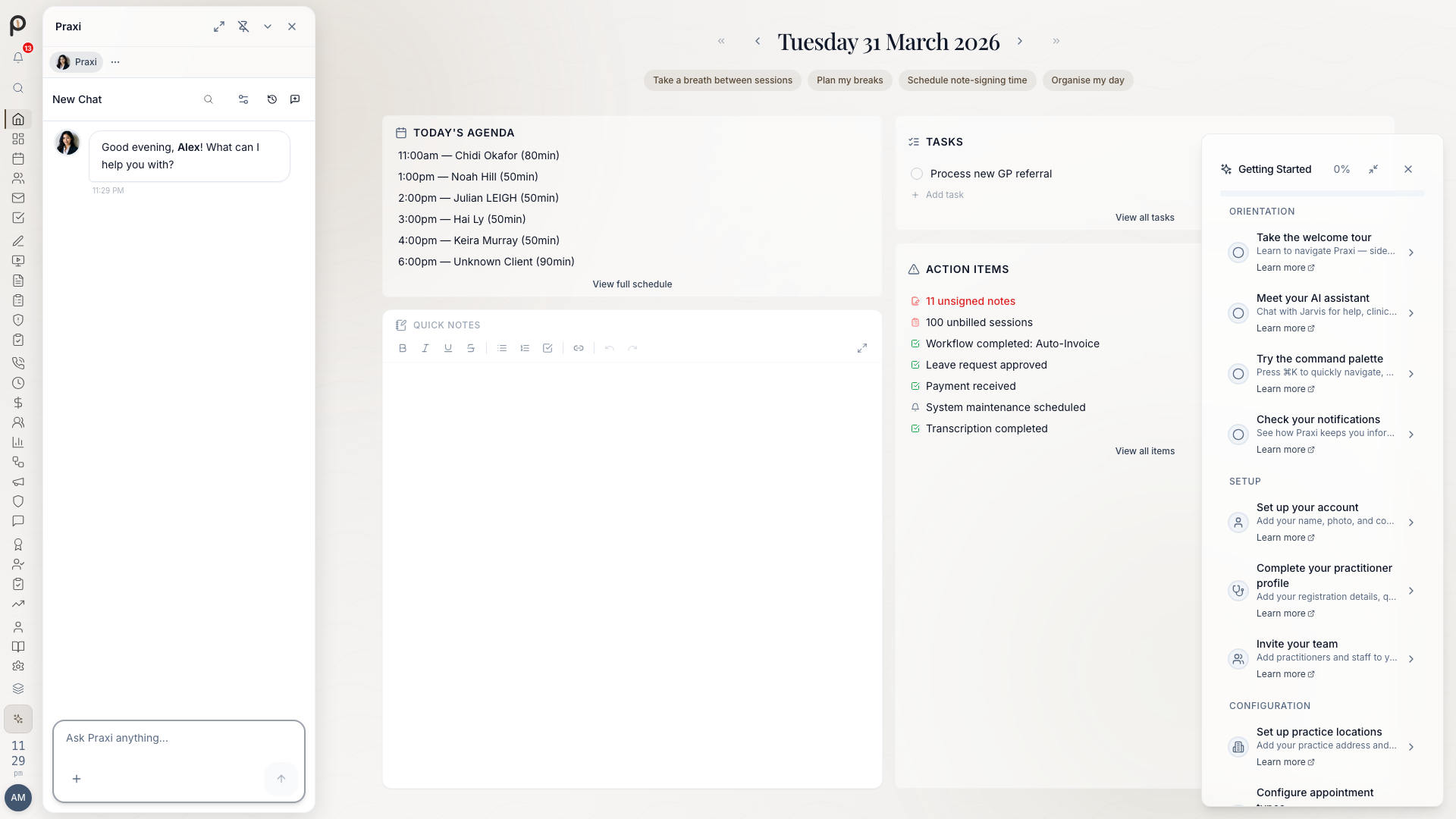
Accessing the Feed
Activity updates are surfaced throughout Praxi -- on your Home screen, in Dashboard widgets, and in the Notifications panel. The information below describes how activity data is organised and filtered across these views.
Filter Chips
At the top of the feed, filter chips let you narrow down what you see:
| Filter | Shows |
|---|---|
| All | Everything (default) |
| Clinical | Appointments, check-ins, session updates |
| Billing | Invoices, payments, claims, receipts |
| Notes | Clinical note creation, signing, amendments |
| Tasks | Task assignments, completions, due dates |
| Inbox | Secure messages, internal mail |
| AI | AI suggestions and generated outputs |
| Team | Team chat messages and mentions |
| Referrals | Incoming and outgoing referrals |
| Platform | System announcements and updates |
Click a chip to toggle it. When no specific filters are selected, the feed shows all sources.
Feed Items
Each item in the feed shows:
- Source icon -- Colour-coded by category (blue for clinical, green for billing, etc.)
- Title -- What happened (e.g., "Appointment confirmed")
- Description -- Brief details
- Relative time -- How long ago (e.g., "5m ago", "2h ago")
- Priority indicator -- Urgent and high-priority items have a coloured dot
- Link -- Click the item to navigate to the relevant record
Priority Levels
| Priority | Visual | Meaning |
|---|---|---|
| Urgent | Red dot | Requires immediate attention |
| High | Amber dot | Important, address soon |
| Normal | No dot | Standard activity |
Command Hub
The feed page includes a command hub at the top that combines search and AI capabilities. Toggle between Search and AI modes:
- Search mode -- Type to search across clients, appointments, notes, and actions
- AI mode -- Ask Praxi a question directly from the feed
Privacy & Compliance
-- you only see events you have permission to view based on your role and responsibilities. All feed data is protected under the Australian Privacy Act 1988 with encryption at rest and 7-year record retention for clinical activity.
Tips
- Use filter chips to focus on what matters right now
- Check the feed first when you start your day for a quick practice overview
- Click items to jump directly to the relevant record
- Watch for urgent items -- they appear with a red priority dot