AHPRA Compliance
Track and manage Australian Health Practitioner Regulation Agency (AHPRA) registrations for all practitioners in your practice. AHPRA administers the National Registration and Accreditation Scheme (NRAS) under the Health Practitioner Regulation National Law, ensuring all registered health practitioners meet professional standards.
It is a criminal offence to practise as a registered health practitioner without current AHPRA registration. Penalties can include fines up to $60,000 and/or imprisonment. When a practitioner's registration expires, Praxi sends critical notifications to both the practitioner and practice owner, with weekly overdue reminders until the issue is resolved. :::
Why AHPRA Compliance Matters
Legal Requirements
Under the Health Practitioner Regulation National Law:
- Only registered practitioners may use protected titles (e.g., "psychologist", "psychiatrist")
- Employers must verify registration before allowing practitioners to provide services
- Practitioners must notify AHPRA of changes to their practice details within 30 days
- Conditions on registration must be complied with at all times
Practice Owner Responsibilities
As a practice owner, you have specific obligations:
- Verification - Verify all practitioner registrations before employment commences
- Monitoring - Regularly check registrations remain current
- Documentation - Maintain records of registration verification
- Compliance - Ensure practitioners with conditions comply with those conditions
- Notification - Report concerns about practitioner conduct to AHPRA
Regulated Professions
AHPRA registration is mandatory for:
| Profession | Board | Registration Type |
|---|---|---|
| Psychologist | Psychology Board | General, Clinical, Counselling, etc. |
| Psychiatrist | Medical Board | Specialist registration |
| Mental Health Nurse | Nursing & Midwifery Board | Registered Nurse + endorsement |
| Occupational Therapist | Occupational Therapy Board | General registration |
| Social Worker | AASW (not AHPRA) | Membership-based |
Social workers are regulated by AASW (Australian Association of Social Workers), not AHPRA. Counsellors may be members of ACA (Australian Counselling Association) or PACFA (Psychotherapy and Counselling Federation of Australia). Praxi tracks these memberships separately from AHPRA registrations. :::
Registration Numbers
AHPRA registration numbers follow a standard format:
| Profession | Format | Example |
|---|---|---|
| Psychologist | PSY + 10 digits | PSY0001234567 |
| Medical Practitioner | MED + 10 digits | MED0001234567 |
| Nurse | NMW + 10 digits | NMW0001234567 |
| Occupational Therapist | OCC + 10 digits | OCC0001234567 |
Registration Tracking
Adding AHPRA Details
For each practitioner:
- Go to Staff → [Practitioner] → Credentials
- Click Add Registration
- Enter:
- AHPRA registration number (e.g., PSY0001234567)
- Registration type (General, Provisional, etc.)
- Endorsements (if applicable)
- Expiry date
- Registration conditions (if any)
- Click Save
Registration Types
| Type | Description | Supervision Required |
|---|---|---|
| General | Fully qualified practitioner | No |
| Provisional | Completing supervised practice | Yes |
| Non-practising | Not providing services | N/A |
| Limited | Specific conditions apply | Varies |
Endorsements
Track additional endorsements:
| Endorsement | Applies To | Example |
|---|---|---|
| Area of Practice | Psychologists | Clinical, Counselling, Educational |
| Scheduled Medicines | Nurse Practitioners | Prescribing rights |
| Accredited Supervisor | Psychologists | Can supervise registrars |
Verification
Praxi uses a three-layer verification architecture so you can choose the approach that suits your practice.
Layer 1: Automated Reminders
Praxi runs a daily check of all practitioner registration expiry dates and sends tiered notifications at 60, 30, 14, and 7 days before expiry. The 7-day critical alert bypasses quiet hours to ensure it is received immediately. Expired registrations trigger critical notifications to both the practitioner and the practice owner, with weekly overdue reminders until the issue is resolved.
Layer 2: Manual Verification
The recommended approach for most practices. A practice owner or manager verifies each practitioner's registration via the AHPRA public register:
- Go to Staff → [Practitioner] → Credentials
- Click Initiate Verification -- Praxi generates a pre-populated link to the AHPRA public register
- Open the link and confirm the registration details
- Return to Praxi and click Confirm Verification, entering the registration number and status you observed
- The verification is recorded with a full audit trail (who verified, when, what was confirmed)
Praxi prompts re-verification every 90 days. Practitioners whose last verification is older than 90 days appear on the AHPRA Verification Dashboard under "Needs Re-verification".
Layer 3: PIE Integration (Optional)
Practices with access to the AHPRA Practitioner Information Exchange (PIE) API can configure automated verification:
- Go to Settings > Compliance > AHPRA > PIE Configuration
- Enter your PIE credentials (stored encrypted)
- Test the connection
- Once configured, Praxi can verify practitioners automatically via PIE
Most practices will not have PIE access. PIE is an employer-facing API provided by AHPRA to qualifying organisations. If PIE is not configured, Praxi falls back to the manual verification workflow. :::
Verification Dashboard
The AHPRA verification dashboard (accessible at Settings > Compliance > AHPRA) provides an at-a-glance summary:
| Section | Content |
|---|---|
| Expired registrations | Practitioners whose registration has lapsed |
| Expiring soon | Registrations expiring within 60 days |
| Unverified | Practitioners never verified or newly onboarded |
| Stale verifications | Last verified more than 90 days ago |
Verification Status
| Status | Meaning | Action |
|---|---|---|
| Verified | Confirmed via register or PIE | None |
| Unverified | Not yet verified | Initiate verification |
| Expired | Registration has lapsed | Suspend clinical activities |
| Suspended | AHPRA has suspended the registration | Investigate immediately |
Renewal Management
Renewal Timeline
| Time Before Expiry | Action |
|---|---|
| 60 days | First reminder sent |
| 30 days | Warning reminder |
| 14 days | Urgent alert |
| 7 days | Critical alert (delivered even during quiet hours) |
| 0 days | Registration expired — weekly overdue reminders begin |
Renewal Process
When renewal is due:
- Practitioner receives AHPRA renewal notice
- Complete renewal via AHPRA website
- Pay registration fee
- Update Praxi with new expiry date
- Upload confirmation (optional but recommended)
Updating After Renewal
- Go to Staff → [Practitioner] → Credentials
- Click Edit on AHPRA registration
- Update expiry date
- Add renewal confirmation document
- Save changes
- Status updates to Current
Registration Conditions
Tracking Conditions
Some practitioners have conditions on their registration:
- Go to Staff → [Practitioner] → Credentials
- Click Add Condition
- Enter:
- Condition type
- Description
- Imposed date
- Review date (if applicable)
- Set compliance reminders
Common Conditions
| Condition | Implication | Praxi Action |
|---|---|---|
| Supervision requirement | Must have approved supervisor | Track supervisor details |
| Practice restrictions | Limited client types | Flag restricted services |
| Prohibited behaviours | Cannot perform certain acts | System warnings |
| Education requirements | Must complete training | Track completion |
Condition Compliance
For practitioners with conditions:
- Document compliance activities
- Upload evidence as required
- Set review reminders
- Report to supervisor if applicable
Provisional Registration
Registrar Management
For provisionally registered practitioners:
| Requirement | Praxi Feature |
|---|---|
| Supervision hours | Log and track supervision |
| Case discussions | Link to specific clients |
| Direct observation | Schedule observation sessions |
| Progress reports | Generate reports for board |
Supervision Tracking
- Go to Staff → [Registrar] → Supervision
- View:
- Total hours completed
- Hours by supervision type
- Outstanding requirements
- Log new supervision sessions
- Generate board reports
Pathway to General Registration
Track progress toward full registration:
- Set registration pathway (e.g., 5+1, 4+2)
- Log supervision hours
- Track competency completion
- Monitor timeline
- Prepare board submission
Insurance Requirements
Professional Indemnity
Track alongside AHPRA registration:
| Requirement | Minimum Cover |
|---|---|
| Public liability | $10-20 million |
| Professional indemnity | $1-5 million |
| Product liability | If selling products |
Adding Insurance Details
- Go to Staff → [Practitioner] → Credentials
- Click Add Insurance
- Enter:
- Insurer name
- Policy number
- Coverage amount
- Expiry date
- Set renewal reminders
Working With Children Checks
State-Based Requirements
| State | Check Name | Validity |
|---|---|---|
| VIC | Working with Children Check | 5 years |
| NSW | Working with Children Check | 5 years |
| QLD | Blue Card | 3 years |
| WA | Working with Children Check | 3 years |
| SA | Working with Children Check | 5 years |
| TAS | Working with Vulnerable People | 3 years |
| NT | Ochre Card | 2 years |
| ACT | Working with Vulnerable People | 5 years |
Tracking WWCC
- Go to Staff → [Practitioner] → Credentials
- Click Add Check
- Select state and check type
- Enter:
- Card/clearance number
- Issue date
- Expiry date
- Upload card copy
Compliance Reporting
Reports Available
| Report | Content | Frequency |
|---|---|---|
| Registration Status | All practitioner AHPRA details | Monthly |
| Expiry Forecast | Upcoming renewals | Monthly |
| Conditions Report | Practitioners with conditions | Quarterly |
| Insurance Status | Coverage summary | Annually |
Generating Reports
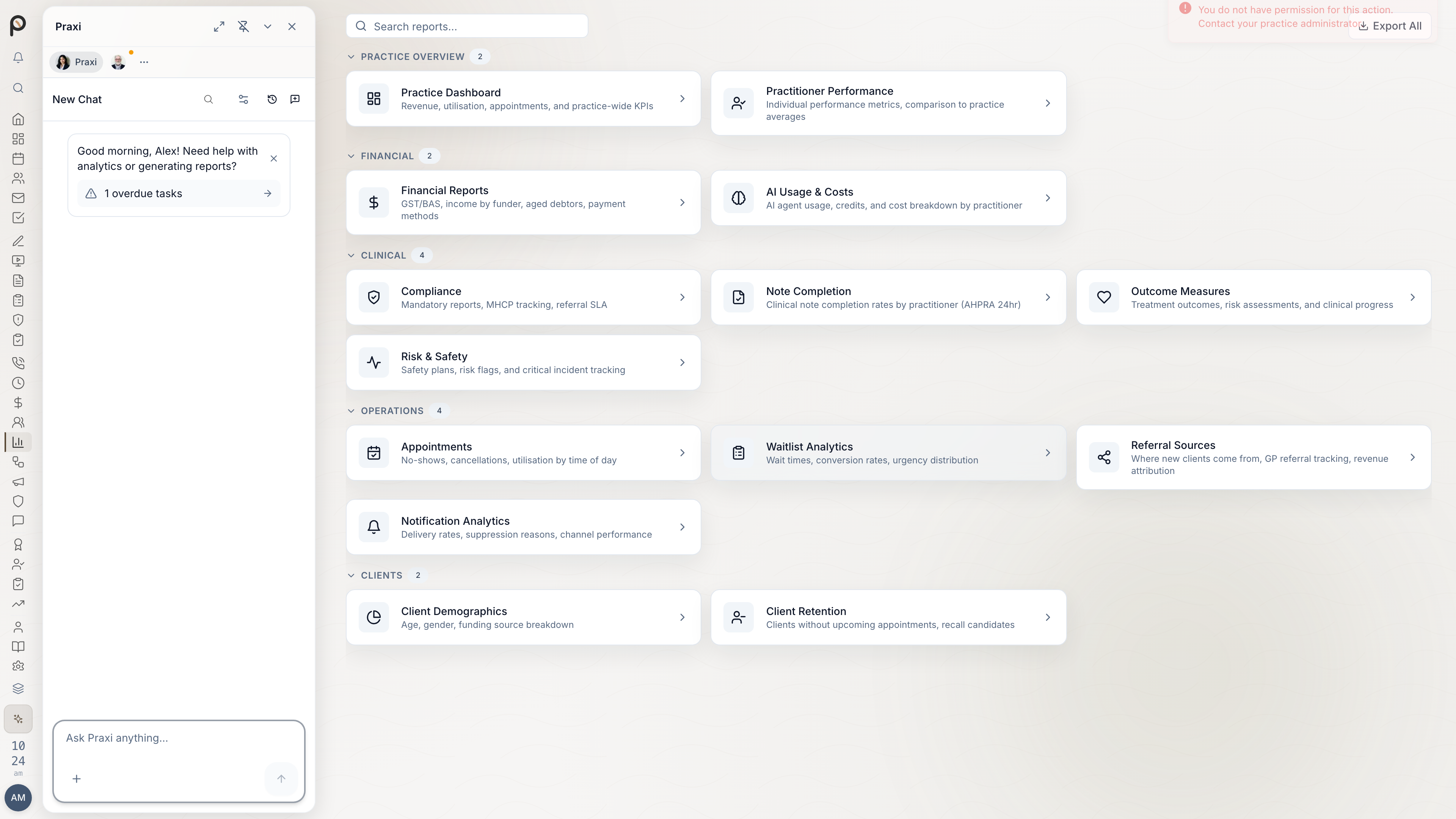
- Go to Reports → Compliance → AHPRA
- Select report type
- Choose date range
- Filter by:
- Practitioner
- Registration type
- Status
- Export as PDF or CSV
Notifications
Alert Schedule
Renewal alerts are sent to the practitioner automatically on a fixed schedule — no configuration needed:
| Alert Type | When |
|---|---|
| 60-day reminder | First reminder |
| 30-day warning | Warning reminder |
| 14-day urgent | Urgent alert |
| 7-day critical | Critical alert — delivered even during quiet hours |
| After expiry | Weekly overdue reminders until the registration renews |
Compliance Actions
When Registration Expires
If a registration expires, Praxi sends critical notifications (bypassing quiet hours) to the practitioner and practice owner. The practice owner should then take action:
- Immediately: Critical alert sent to practitioner and practice owner
- Ongoing: Weekly overdue reminders until the registration is renewed
- Practice owner action: Reassign the practitioner's upcoming appointments and restrict their clinical activities until registration is restored
Restoring Access
After renewal:
- Update AHPRA details with new expiry
- Upload renewal confirmation
- Practice Owner approves reinstatement
- Access restored immediately
A practitioner providing services with an expired registration may face disciplinary action. Praxi sends critical notifications when a registration expires and continues with weekly overdue reminders. :::
Mandatory Notifications
When a mandatory notification may be required
Under the Health Practitioner Regulation National Law, registered health practitioners, employers, and education providers must make a mandatory notification to Ahpra in limited circumstances. Anyone may also make a voluntary notification.
Four concerns can trigger a mandatory notification about a registered practitioner (notifiable conduct, National Law s 140):
| Concern (s 140) | Summary |
|---|---|
| (a) Intoxication | Practising while intoxicated by alcohol or drugs |
| (b) Sexual misconduct | Sexual misconduct in connection with practice |
| (c) Impairment | Practising with an impairment that places the public at risk of substantial harm |
| (d) Significant departure | Significant departure from accepted professional standards placing the public at risk of harm |
Thresholds differ by notifier role. Treating practitioners generally face a higher (“substantial risk of harm”) threshold for impairment, intoxication, and significant departure so practitioners can seek health care without undue fear of notification. Sexual misconduct uses a different threshold. See Ahpra’s Guidelines: Mandatory notifications about registered health practitioners (effective 1 March 2020; hub page reviewed 5 Feb 2025).
Western Australia: Treating practitioners providing a health service to a practitioner-patient are exempt from the duty to make a mandatory notification; they may still make a voluntary notification. Professional and ethical duties to protect the public still apply.
Not the same as:
- Child protection / family violence mandatory reporting — state laws; tracked in Praxi under Safety → Mandatory Reports
- s 130 notice of certain events (e.g. relevant charges/convictions within 7 days) — self-report by the registered person, not a peer mandatory notification (Ahpra self-reporting page)
Making a notification
- Form a reasonable belief (direct knowledge or a reliable first-hand report — not rumour).
- Use Ahpra’s portal: Raise a concern (or call 1300 419 495). NSW and Queensland have co-regulator pathways — follow Ahpra’s state guidance.
- Make the notification as soon as practicable.
- Keep practice records of the decision and any risk mitigation (leave, supervision, restricted duties). Good-faith notifiers have statutory protection (National Law s 237); privacy law does not block a required notification.
Praxi’s API supports an internal draft → review → “submitted” evidence trail for
employer/practice workflows (/api/compliance/mandatory-notifications). It
does not auto-file to Ahpra and is not the same product surface as Safety
→ Mandatory Reports (child protection and related state duties). Prefer filing
on Ahpra’s portal, then recording the Ahpra reference and acknowledgement in
your practice records.
Failing to make a mandatory notification when required is not a criminal offence under the National Law, but a National Board may take regulatory action against the person who failed to notify (circumstances considered). Always verify current Ahpra guidelines and seek indemnity/legal advice when unsure. :::
Continuing Professional Development (CPD)
Tracking CPD in Praxi
AHPRA requires practitioners to maintain CPD. Praxi helps track:
| Requirement | Tracking Feature |
|---|---|
| CPD hours | Log hours by category |
| Peer consultation | Link to supervision records |
| Professional activities | Document conferences, training |
| Reflective practice | Journal entries (optional) |
CPD Reports
Generate CPD summaries for board audits:
- Go to Staff → [Practitioner] → CPD
- Select reporting period
- Generate summary report
- Export for board submission
Best Practices
- Set multiple reminders - Don't rely on single notifications
- Verify annually - Check AHPRA register matches your records
- Document conditions - Keep detailed records of any conditions
- Centralise documents - Store certificates in Praxi
- Train staff - Ensure reception knows to check registration status
- Audit quarterly - Review all credentials regularly
- Screenshot verifications - Keep dated screenshots of AHPRA register checks
- Document supervision - Maintain detailed records for provisionally registered practitioners
Troubleshooting
Registration Not Found
If AHPRA verification fails:
- Double-check registration number
- Verify name spelling matches AHPRA exactly
- Check for recent name changes
- Contact AHPRA if issues persist
Condition Not Displaying
If a known condition isn't showing:
- Check condition was entered correctly
- Verify effective dates
- Ensure condition type is selected
- Contact support if persists