Audit Compliance
Praxi helps you maintain AHPRA-compliant clinical documentation that will withstand professional audits.
AHPRA Documentation Standards
The Australian Health Practitioner Regulation Agency (AHPRA) requires:
- Timely documentation - Notes written close to the session
- Accurate records - Factual, objective content
- Comprehensive - Includes all relevant clinical information
- Legible - Clear and readable (automatic with digital)
- Signed - Authenticated by the practitioner
- Secure - Protected from unauthorised access
Note Status Flow
Clinical notes follow a strict status workflow:
Draft -> Final -> Signed (locked, immutable) -> Amended (if addendum added)
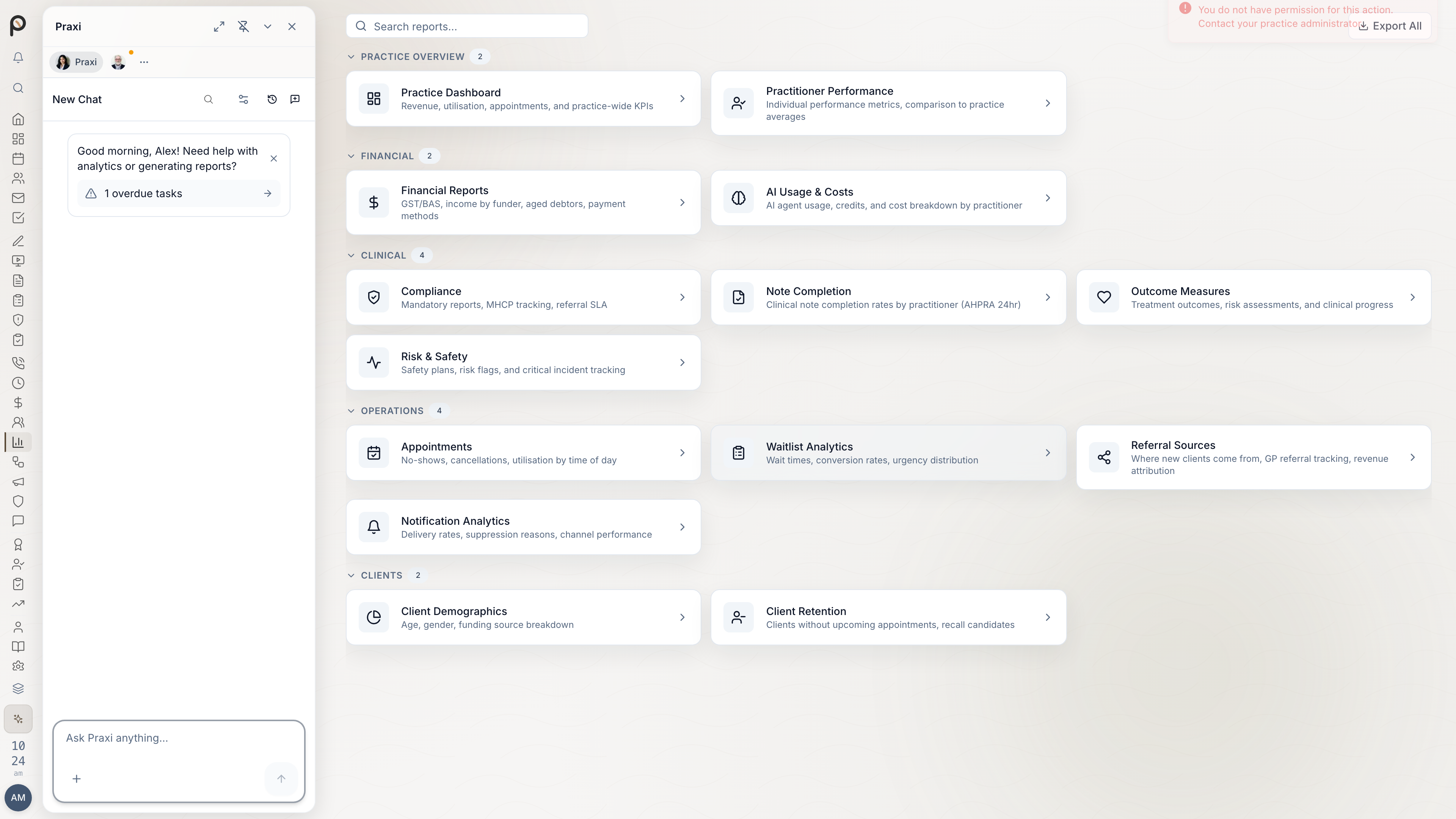
Once a note is signed, it is permanently locked and cannot be edited. Corrections must be made via an addendum (either supplementary or correction type), which transitions the note to Amended status. The snippet hierarchy follows the same governance model: System (managed by Praxi) -> Organisation -> Practitioner (Personal).
How Praxi Helps
Timeliness
- Dashboard shows unsigned notes
- Automated reminders at ~50% and ~75% of your profession's signing deadline
- Overdue notifications at 100% of the deadline (including supervisor notification)
- Signing timestamps recorded
- Overdue status captured in the audit trail with time past deadline
- Compliance reports available
Accuracy
- Session details auto-populated
- Date/time stamps automatic
- Version history tracked
- Corrections via addendum
Comprehensiveness
- Template-based structure
- Required sections enforced
- Risk assessment prompts
- Plan/follow-up included
Security
- Role-based access control -- Only authorised staff can view or edit clinical notes: the assigned practitioner, their supervisor, and organisation-wide oversight roles (practice owner, clinical governance) (see Roles and permissions)
- AES-256-GCM encryption -- All clinical data encrypted at rest
- Immutable audit logging -- All access recorded with 7-year retention
- Row-Level Security (RLS) -- Complete database-level tenant isolation between practices
Audit Trail
Every action is logged:
| Event | Details Recorded |
|---|---|
| Note created | User, timestamp, client |
| Note edited | User, timestamp, changes, change reason |
| Note viewed | User, timestamp |
| Note signed | User, timestamp, credentials |
| Note signed late | User, timestamp, hours past deadline |
| Addendum added | User, timestamp, type (supplementary/correction) |
| AI attestation | User, timestamp, attestation text |
| Supervision submitted | User, timestamp, supervisor |
| Supervision approved | Supervisor, timestamp, feedback |
| Changes requested | Supervisor, timestamp, feedback |
| Note exported | User, timestamp, format |
| Note shared | User, timestamp, recipient |
| Note searched | User, timestamp, search query |
| Note duplicated | User, timestamp, original note |
| Draft restored | User, timestamp, recovery window |
| Note locked for editing | User, timestamp, lock expiry |
| Lock released/expired | User/system, timestamp |
| Compliance check run | User, timestamp, score, checks |
| Goal progress recorded | User, timestamp, goals updated |
| Action extracted | System, timestamp, action types |
| Action approved | User, timestamp, action type |
| Action dismissed | User, timestamp, reason |
Access the audit log:
- Open the note
- Click Version History
- See all events chronologically
Retention Requirements
Australian healthcare records must be retained per the Privacy Act and state health records legislation:
| Client Type | Retention Period |
|---|---|
| Adults | 7 years from last contact |
| Children | Until age 25, minimum 7 years |
Praxi enforces these requirements automatically:
- 7-year immutable audit trail on all clinical records
- Prevents accidental deletion of records within retention periods
- Archives inactive records while maintaining accessibility
- Right to erasure requests (Privacy Act 1988) are handled via a managed workflow with exceptions tracked per entity with legal basis
Compliance Reports
Note Signing Report
Reports > Compliance > Note Signing
Shows:
- % of notes signed within the profession-tiered deadline
- Average time to signature
- List of overdue notes
- Trend over time
Access Report
Reports > Compliance > Record Access
Shows:
- Who accessed which records
- When access occurred
- What actions were taken
- Unusual access patterns
Risk Documentation Report
Reports > Compliance > Risk Assessment
Shows:
- % of notes with risk assessment
- Risk level distribution
- Notes missing risk assessment
Preparing for Audits
Regular Tasks
- Daily - Sign notes within your profession's deadline
- Weekly - Review unsigned notes report
- Monthly - Check compliance dashboard
- Quarterly - Review access logs
- Annually - Full compliance audit
What Auditors Look For
- Timely documentation
- Consistent note structure
- Risk assessment documentation
- Appropriate access controls
- Complete audit trails
- Secure data handling
Providing Records
If you receive an audit request:
- Contact your practice administrator
- Export only requested records
- Use secure transfer methods
- Document what was provided
- Keep copy of audit request
Best Practices
Documentation Quality
- Be factual and objective
- Use professional language
- Include relevant clinical detail
- Avoid unnecessary personal opinions
- Document risk at every session
Time Management
- Write notes immediately after sessions
- Block time for documentation
- Don't let notes pile up
- Set end-of-day signing routine
Privacy
- Only access records you need
- Don't share login credentials
- Log out when not in use
- Report suspicious access
Common Audit Issues
| Issue | Prevention |
|---|---|
| Late signing | Enable reminders, sign daily |
| Missing risk assessment | Use templates with required fields |
| Incomplete notes | Review before signing |
| Inappropriate access | Role-based permissions |
| Lost records | Praxi handles retention |
Insurance Implications
Proper documentation protects you:
- Professional indemnity claims
- Complaints to AHPRA
- Legal proceedings
- Medicare audits
documentation is your best protection in any professional challenge. :::
Next Steps
- Review note creation
- Set up reminders
- View compliance reports (Reports > Compliance)