Calendar Keyboard Shortcuts
Master these shortcuts to navigate your calendar without leaving the keyboard.
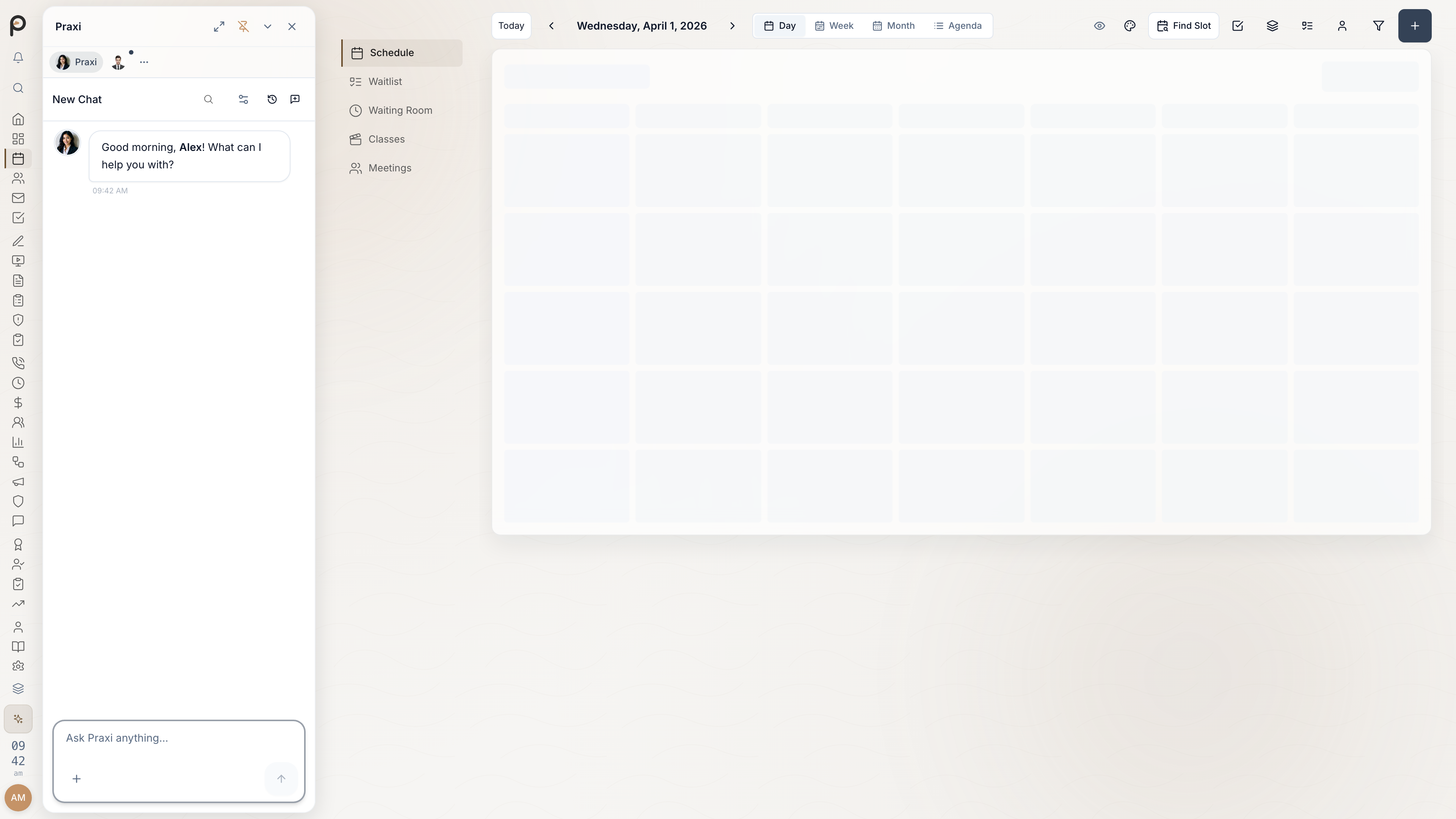
Quick Reference
Press ? at any time in the calendar to see the most common shortcuts (the full set is listed on this page).
Navigation
| Shortcut | Action |
|---|---|
| T | Jump to today |
| Cmd/Ctrl + ← | Previous period (day/week/month) |
| Cmd/Ctrl + → | Next period (day/week/month) |
View Switching
| Shortcut | Action |
|---|---|
| D | Day view |
| W | Week view |
| M | Month view |
| L | Agenda/list view |
Appointment Actions
| Shortcut | Action |
|---|---|
| Cmd/Ctrl + N | New appointment |
| V | Toggle availability overlay |
| U | Create unavailable block |
Quick Actions
| Shortcut | Action |
|---|---|
| P | Toggle privacy mode |
| ? | Show all shortcuts |
Tips
Learn Incrementally
Start with these five shortcuts:
- T -- Today
- Cmd/Ctrl + N -- New appointment
- D/W/M/L -- Switch views
- Cmd/Ctrl + ←/→ -- Navigate periods
- ? -- Show all shortcuts
Muscle Memory
Practice these sequences:
- Check tomorrow: Cmd/Ctrl + →
- New appointment today: T, then Cmd/Ctrl + N
Combining Actions
Many shortcuts work together:
- Cmd/Ctrl + N + type client name = Quick book
- V = Toggle availability overlay to see open slots at a glance
Customising Shortcuts
Currently, keyboard shortcuts cannot be customised. If this is important to you, please contact us with your feedback.
Troubleshooting
Shortcut Not Working?
- Ensure focus is on the calendar (click on it)
- Check no modal is open
- Ensure keyboard layout matches expected shortcuts
- Try refreshing the page
Conflicts with Browser
Some shortcuts may conflict with browser shortcuts. Try:
- Using the alternative shortcut if available
- Using the command palette instead
- Adjusting browser settings
Related
- Calendar Overview - Understanding the calendar interface
- Scheduling Appointments - Create and manage appointments
- Drag and Drop - Quick scheduling techniques
- Calendar Views - Day, week, and month views
- Attendance Tracking - Managing arrivals and no-shows
- Command Palette - More keyboard-driven actions